
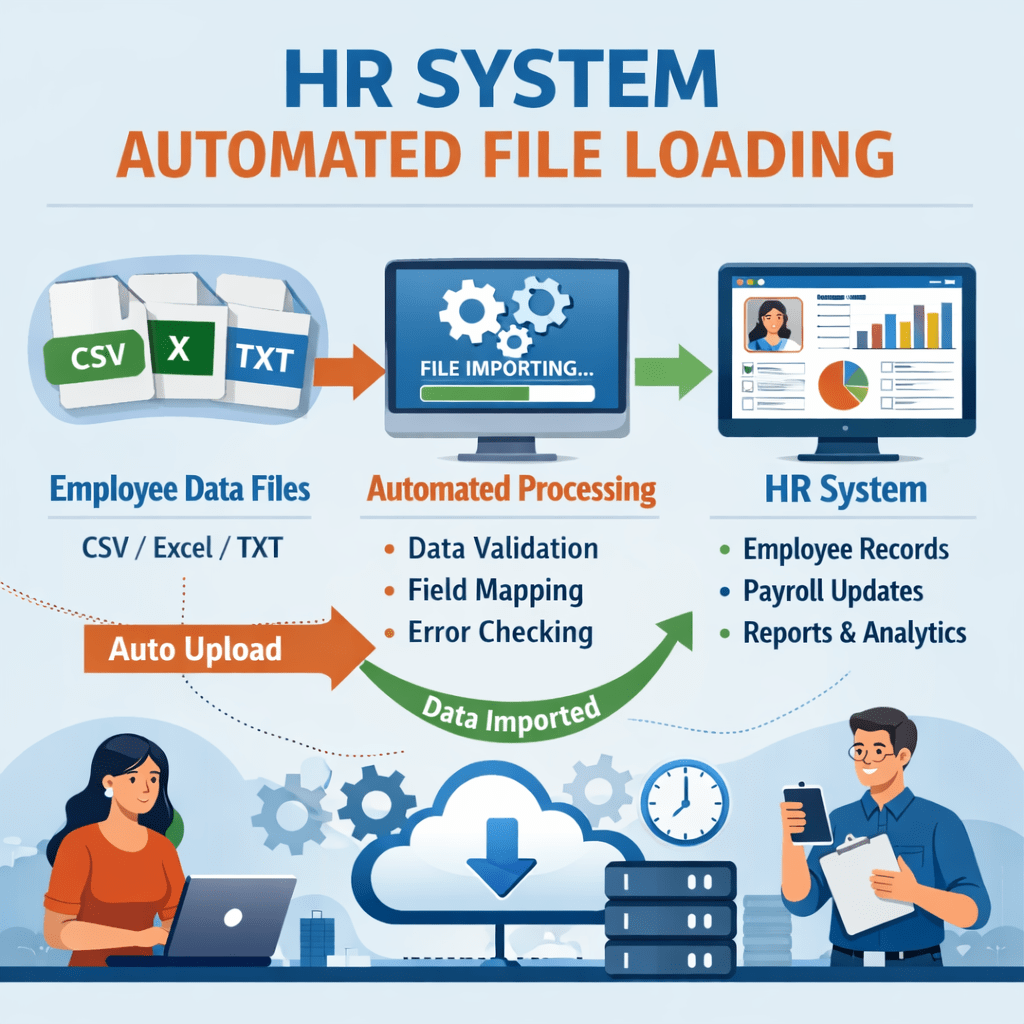
In a perfect world, all payroll runs within Oracle Cloud HCM. In reality, many global organizations use local third-party providers for specific regions. The challenge? Employees still want a single “source of truth” to view their pay history.
Using Document of Records (DoR) and HCM Data Loader (HDL), you can seamlessly upload external PDF payslips into Oracle HCM. Here is how to build that bridge.
1. The Strategy: Document of Records
The Document of Records framework is the designated container for employee attachments. To store third-party payslips, you must first ensure a Document Type exists (e.g., “Payslip”) that allows for attachments and is searchable by the employee.
2. Preparing the HDL File
To upload these documents, you use the DocumentRecord.dat business object. This file requires two distinct components:
- The Metadata: The instructions telling Oracle who the slip belongs to and what date it represents.
- The Attachment: The actual file (usually a PDF or image).
3. The Template Structure
Your .dat file will look like this. Note that we use the URL or File attribute to link the physical document.
METADATA|DocumentsOfRecord|PersonNumber|DocumentType|DocumentCode|DocumentName|DateFrom|DateTo|SourceSystemId|SourceSystemOwnerMERGE|DocumentsOfRecord|54321|Payslip|GLB_PAYSLIPS_25_12|Payslip Dec 25|2025/12/01||SSO_54321_PAYSLIP_DEC25|SSO_NAMEMETADATA|DocumentAttachment|PersonNumber|DocumentType|DocumentCode|DataTypeCode|URLorTextorFileName|Title|File|SourceSystemId|SourceSystemOwnerMERGE|DocumentAttachment|54321|Payslip|GLB_PAYSLIPS_25_12|FILE|506204.pdf|Payslip Dec 25|506204.pdf|SSO_54321_PAYSLIP_DEC25|SSO_NAME
4. Constructing the ZIP Package
HDL doesn’t just look at the text file; it needs the actual documents. Your upload must be a single .zip file organized as follows:
- DocumentRecord.dat (at the root)
- BlobFiles (Folder)
- Payslip PDF File
5. Loading the Data
- OIC Based Scheduled Integration to automate the loads every month.
- Manual upload –
- Navigate to Navigator > My Client Groups > Data Exchange.
- Select Import and Load Data.
- Upload your
.zipfile. - Once the “Import” phase reaches 100%, the “Load” phase will begin, attaching the PDF to the person’s record.
Let me know in comments if you want to learn about the OIC integration architecture.
 Fusion People Hub
Share your Feedback